
Open a model. Start painting.
Mesh Painter is a texture painting tool. Paint textures directly onto 3D meshes. You can start right away, without a long setup or a pile of features to learn first.
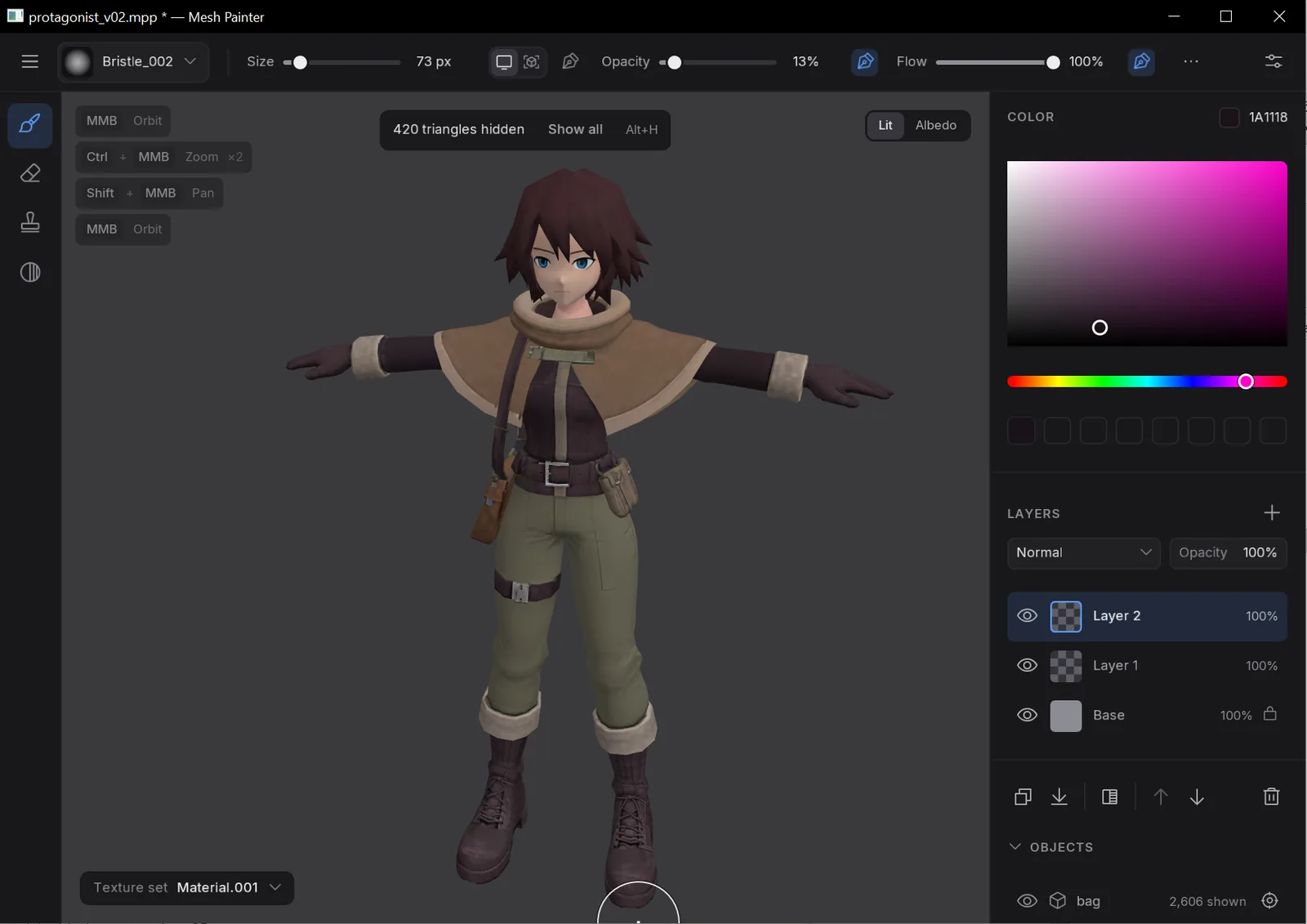
THE SNOW BLOOM PROTAGONIST, TEXTURED IN MESH PAINTER
Just what you need to paint.
There's no long feature list to work through. The tools are the ones you paint with, so you get comfortable quickly and spend your time on the texture.
Straight onto the model
Open a mesh and paint on it in the viewport, right where the texture will show. Switch between Lit and Albedo to check your work.
Familiar from the start
Layers with blend modes and opacity, and size, opacity and flow on the toolbar. If you've used a painting app, you already know your way around.
Bring your brushes
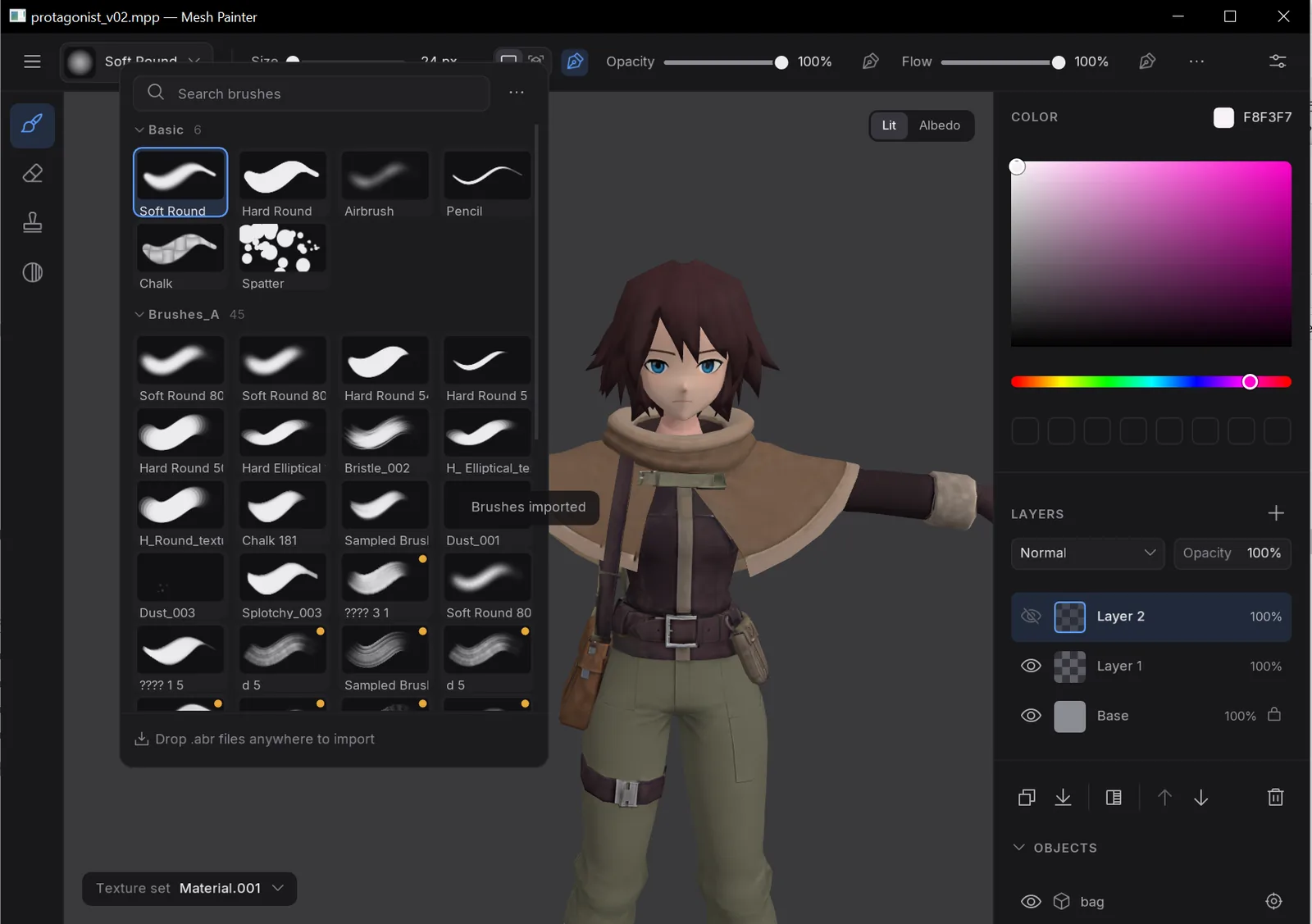
The basics are built in. Drop .abr files anywhere in the window to import the brush sets you already paint with.
Reach every surface
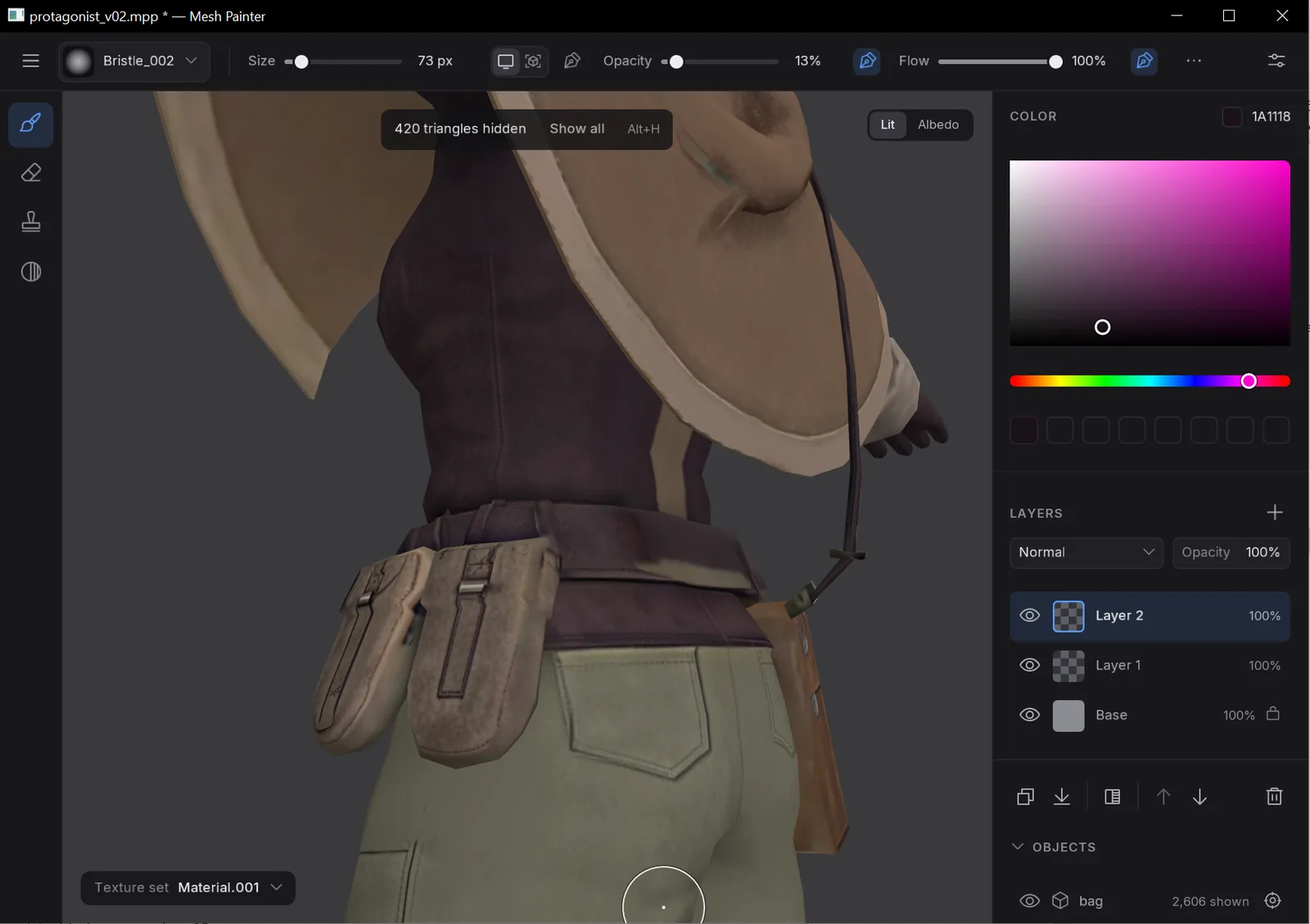
Hide the triangles in the way, paint underneath, and bring them back with Show all (Alt+H). Toggle whole objects from the objects list.
Agent-ready CLI
Your agent can use it. No MCP required.
Mesh Painter has a command line built for AI agents. An agent runs it straight from the terminal, so there's no MCP server to install or set up. Scripts and build pipelines can use the same commands.
No generative AI. The agent runs the tool, but every stroke is yours.
Details
- Platform
- Windows 10 / 11, 64-bit
- GPU
- DirectX 11 (feature level 11_0 or higher). Integrated graphics work.
- Tested on
- Wacom MobileStudio Pro 13 (Intel Iris Plus Graphics 655, 16 GB RAM)
- Import
- GLB · glTF · FBX
- Paints
- Base color
- Export
- PNG (RGBA, 8-bit per channel) for the active texture set · GLB with your painted base color, for GLB sources
- Projects
- .mpp
- Brushes
- Built-in library · imports .abr
- Agents
- Command line, used directly · no MCP needed
Get it on launch day.
One email when Mesh Painter is available. Nothing else unless you ask for it.
Questions
Does Mesh Painter use generative AI?
No. Mesh Painter never paints for you. An agent can run the tool through the command line, but every stroke comes from you.
Can AI agents really use it?
Yes. An agent calls Mesh Painter’s command line directly, the same way it runs any terminal command.
Do I need to set up an MCP server?
No. Agents use the command line directly, so there's no MCP server to install or set up.
Which file formats does it support?
Mesh Painter opens GLB, glTF and FBX meshes and paints the base color. Export the active texture set as a PNG, or, if you started from a GLB, export a GLB with your painted textures in place. Projects save as .mpp.
What do I need to run it?
Windows 10 or 11 (64-bit) and a DirectX 11 graphics card (feature level 11_0 or higher). It runs on integrated graphics: we use it on a Wacom MobileStudio Pro 13 with Intel Iris Plus Graphics 655. macOS and Linux aren’t supported.